01 · Name the document.
Add File Upload from the editor’s Upload group. Use a specific label, such as “Photo of the damage,” and put the 2 MB limit in the description.
Collect the photo, document or brief that makes a response useful.
A repair request can include a photo of the damage. An application can include a portfolio PDF. Open the response to find the attachment beside the explanation it belongs to.
Create a form with uploads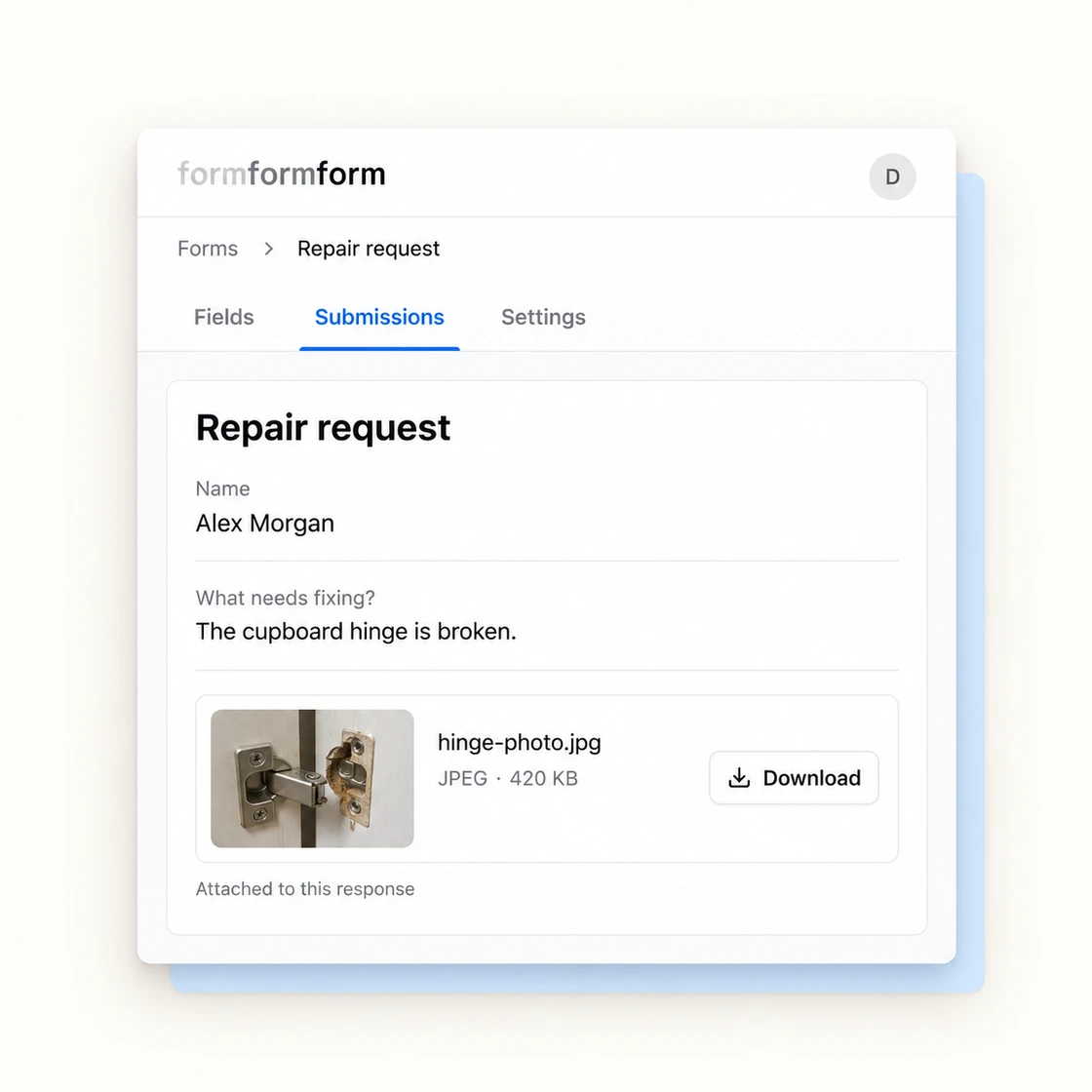
Add File Upload from the editor’s Upload group. Use a specific label, such as “Photo of the damage,” and put the 2 MB limit in the description.
Make the field required when the file is essential. With conditional logic, show or require it only when an earlier answer calls for an attachment.
Open the submission to see the filename, type, size and Download button. Images also have a preview. Download the attachment from that response.
Attachments are for the form owner to review.
Standard forms use HTTPS in transit and encrypted storage. Attachment preview and download routes require the owner’s signed-in session; an upload identifier in a CSV or webhook is not a public download link.
Storage encryption protects data at rest. It does not make the file unreadable to the service while processing it. Choose optional end-to-end encryption when your requirement is that we cannot read the attachment.
Read about standard protection
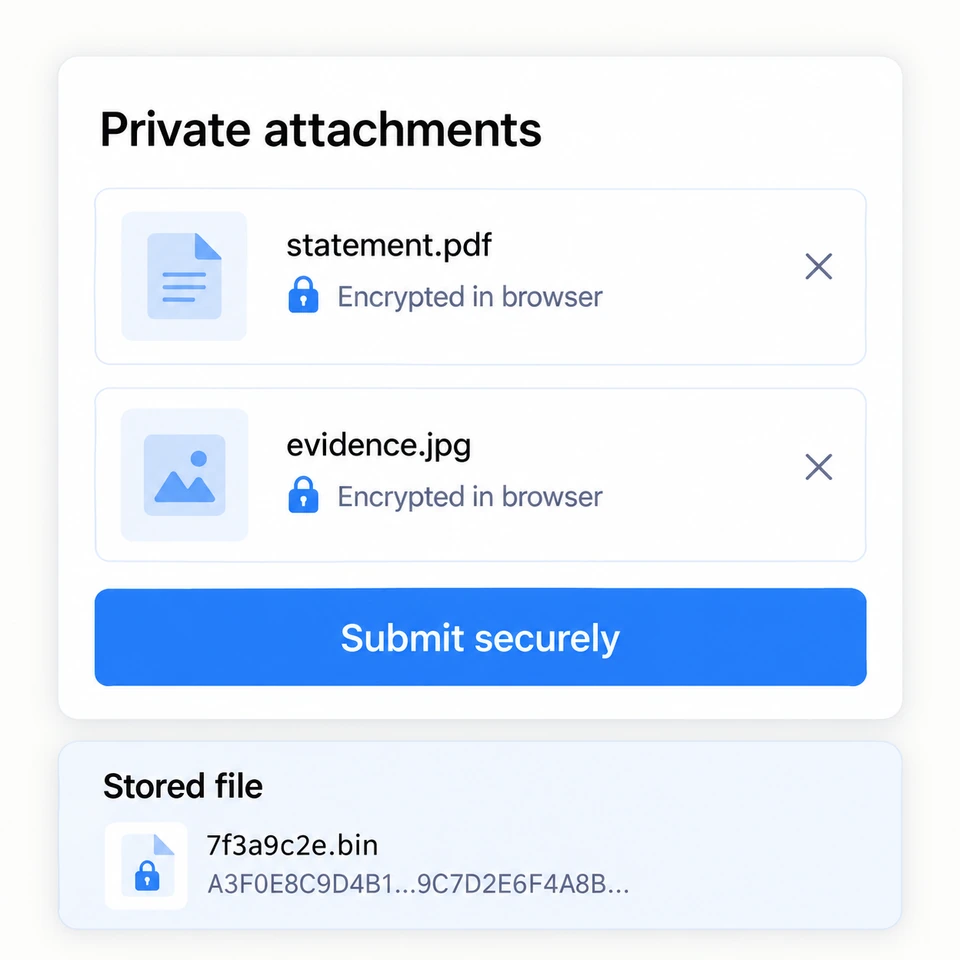
Encrypt the file before it leaves the respondent’s browser.
On an encrypted form, uploaded bytes are encrypted on the device before transmission. We store ciphertext. The original filename and file type are carried inside the encrypted answers.
Open the response with your private key to decrypt locally. Image previews become readable in your browser, and Download saves the decrypted file under its original name.
Turn encryption on before the first submission, and keep the private key. Neither you nor we can recover the files without it. Encryption adds overhead, so leave room below the 2 MB upload ceiling.
See how encrypted forms workFile-upload fields are available on Free and Pro. Free is for non-commercial projects; Pro covers commercial use and includes a 10 GB upload allowance. Each file is limited to 2 MB on both plans.
Each File Upload field accepts one file. Add separate, clearly labelled fields when you need two documents or several photos.
There is no accepted-formats setting in the editor today. Explain the format you need in the field label or description, then check the attachment when reviewing the response.
Webhooks, the API and CSV exports include the upload identifier, not the file bytes. Download and preview routes require the owner’s signed-in browser session. Download attachments from the submission view.
Start with a template, then add a File Upload field for the document or photo you need.
Find a starting templateSee what it does, who it’s for, and whether it fits your needs.
Opens with product context and a link to this page.