formformform / Features

Build the form.
Put the answers to work.

Ask the right questions, share them anywhere, and turn responses into your next step. Keep sensitive answers private.

01 / Build

From an idea to a form that is ready to share.

Visual form builder

Ask exactly
what you need.

Start with the questions. Make the form your own.

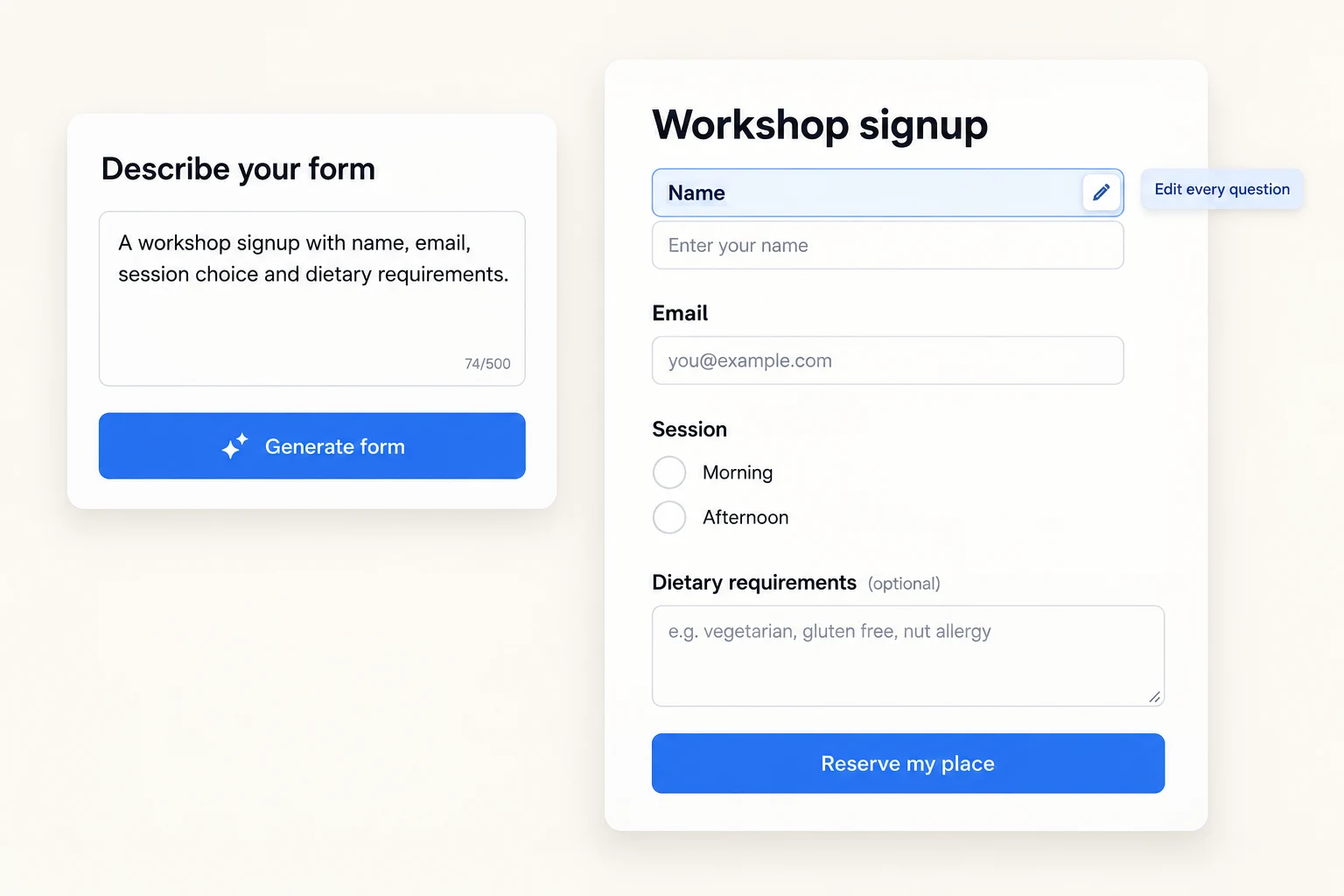
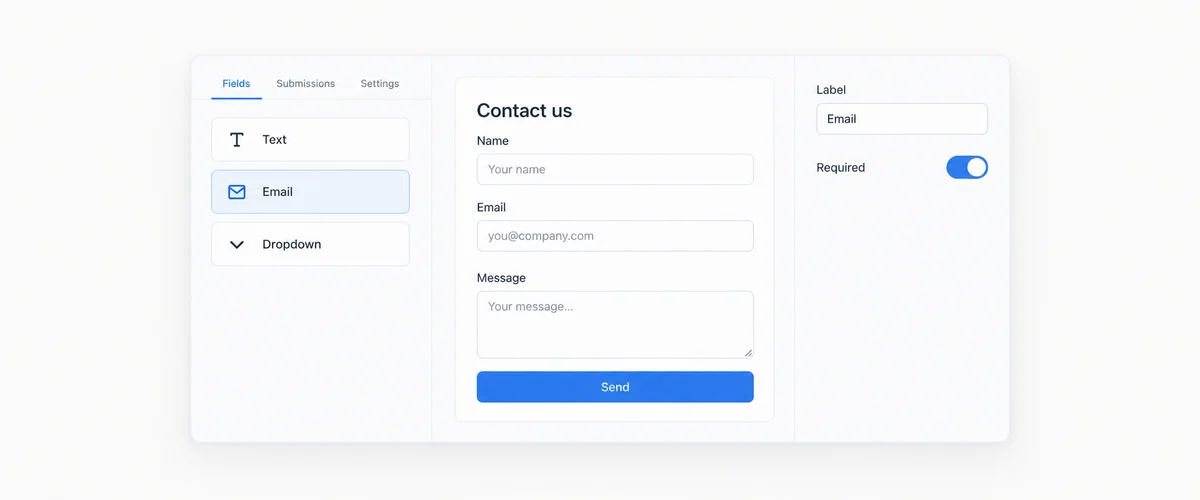
Choose your fields, edit questions in place, and preview the complete form before you publish.

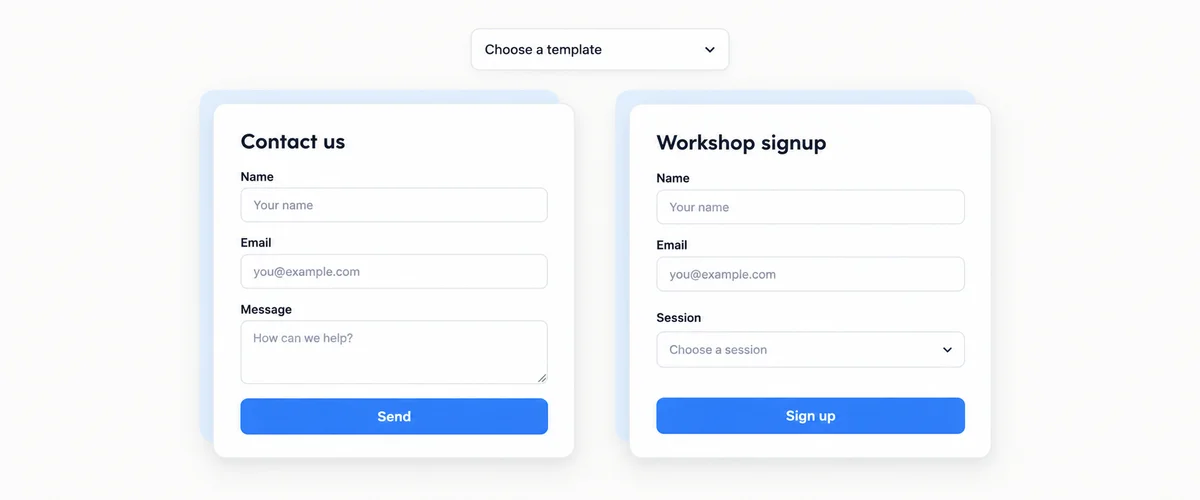
Start ahead. Use a template for an enquiry, a signup or your next survey. Then adapt it to your work.
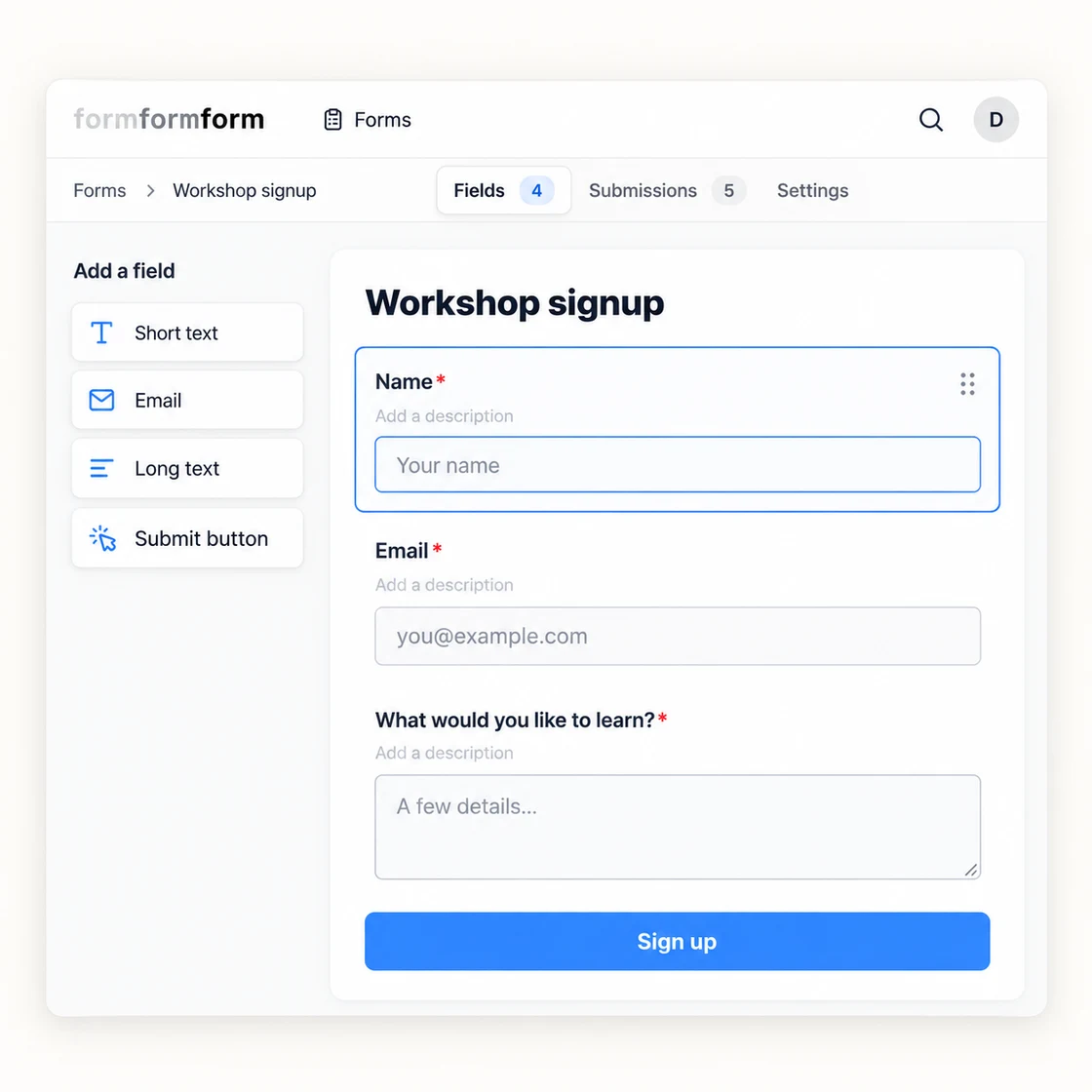
Illustrated form editor with a complete workshop signup form, field palette and submit button.

Only ask what comes next.

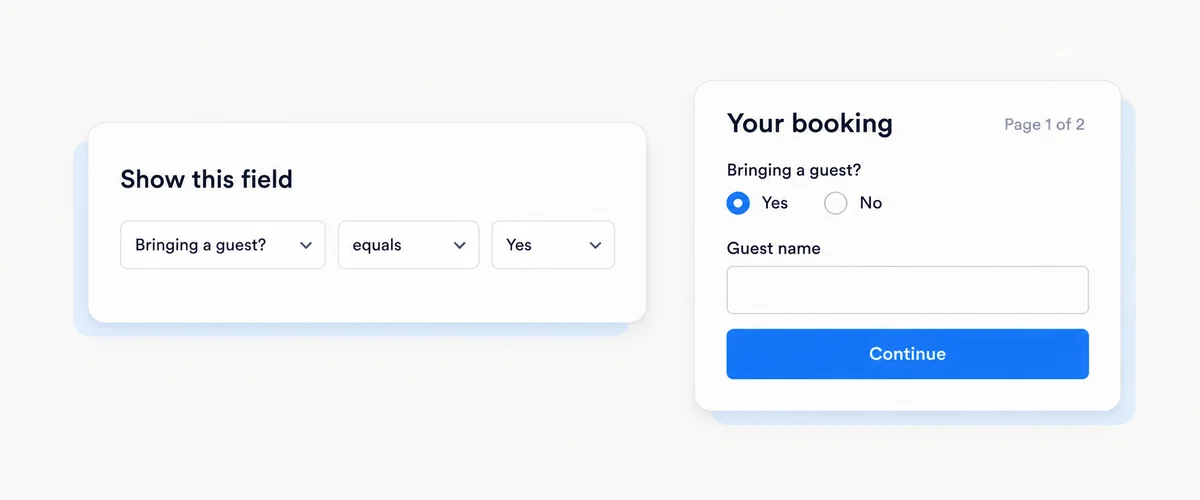
Use conditional logic, validation and multiple pages to keep each form relevant.

Explore logic →
AI form creation

Describe the job.
Make the form yours.

Turn your brief into questions you can review and edit.

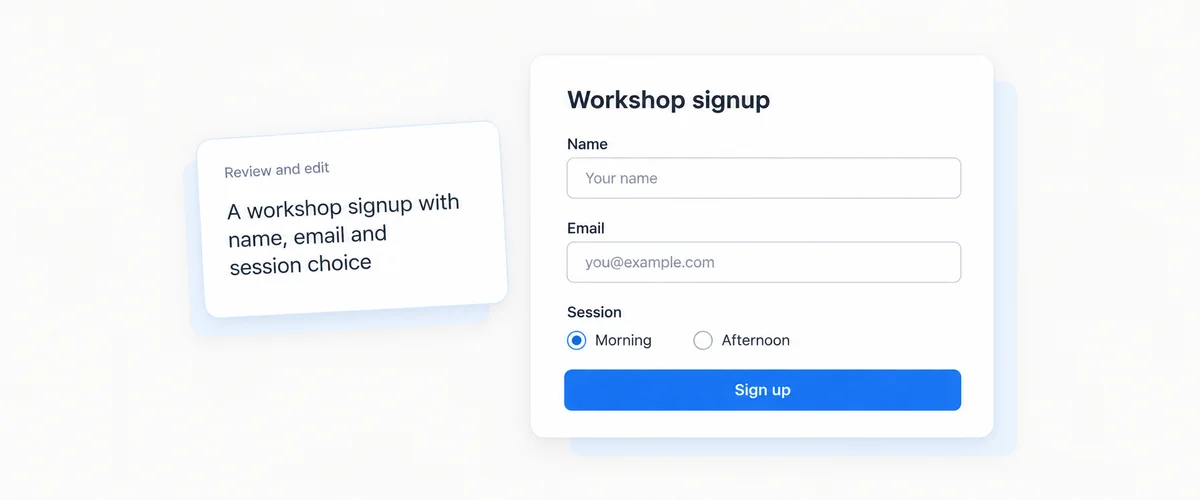
Describe the audience, the purpose and the answers you need. When AI creation is available, use it as a starting point, then refine the generated form in the editor.

A workshop brief becomes an editable signup form.
02 / Share

A form belongs wherever the conversation begins.

03 / Act

Collecting an answer is the start of the next step.

Responses & export

Make every
response useful.

Find the answer you need. Keep the context with it.

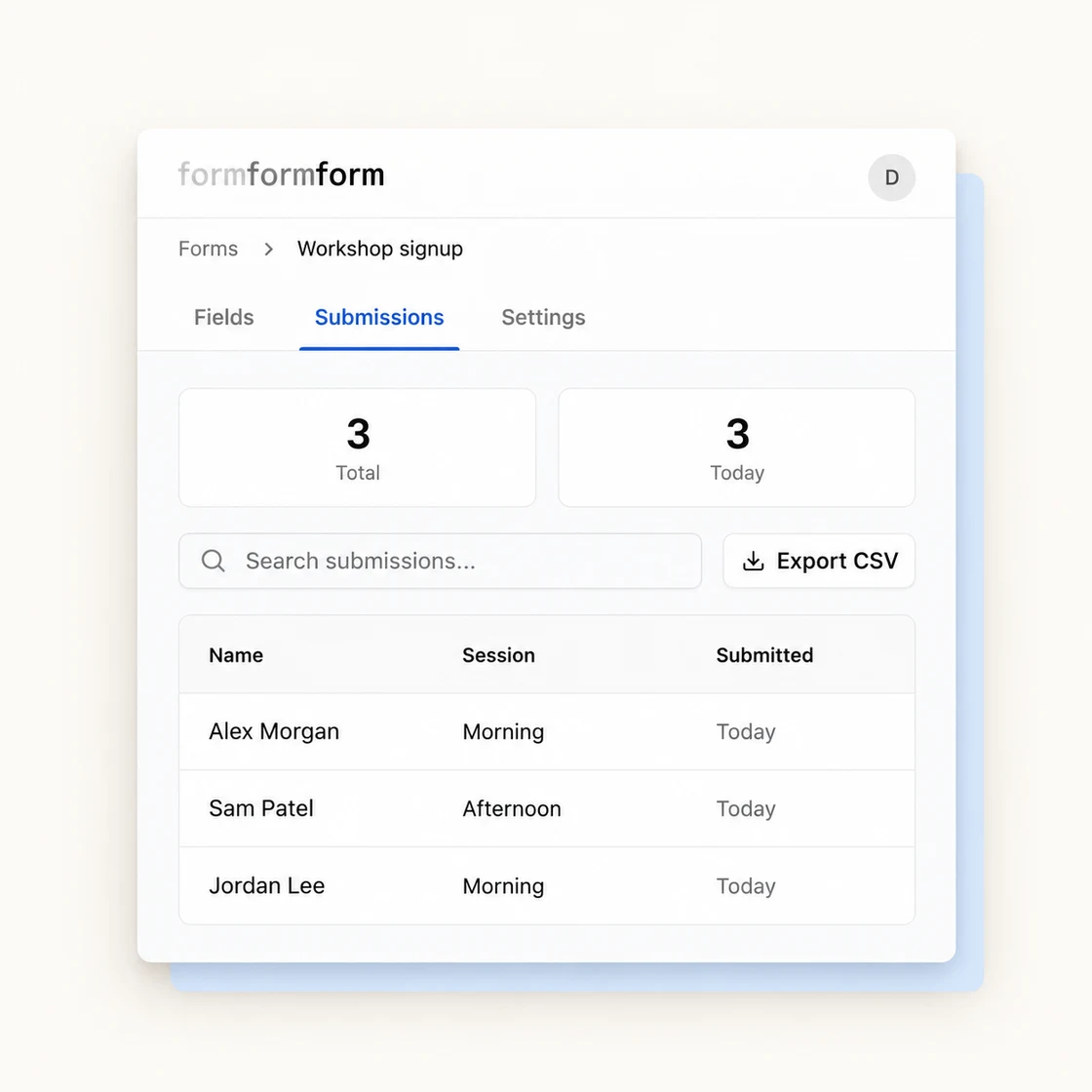
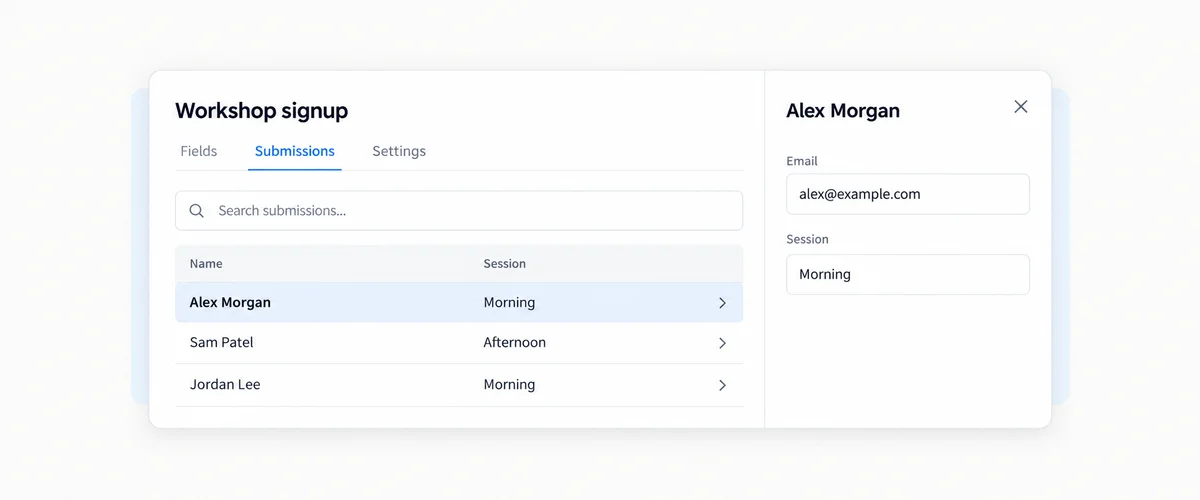
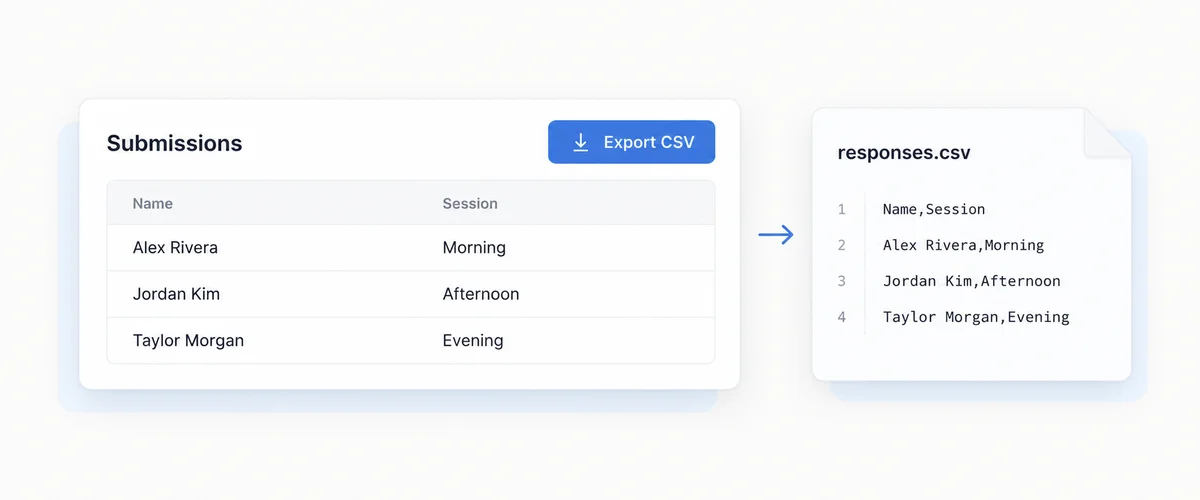
Search submissions, read each response in full and export a clean CSV when it is time to work with the data elsewhere.

Submissions table showing searchable workshop signups and an Export CSV action.

Give the next step a head start.

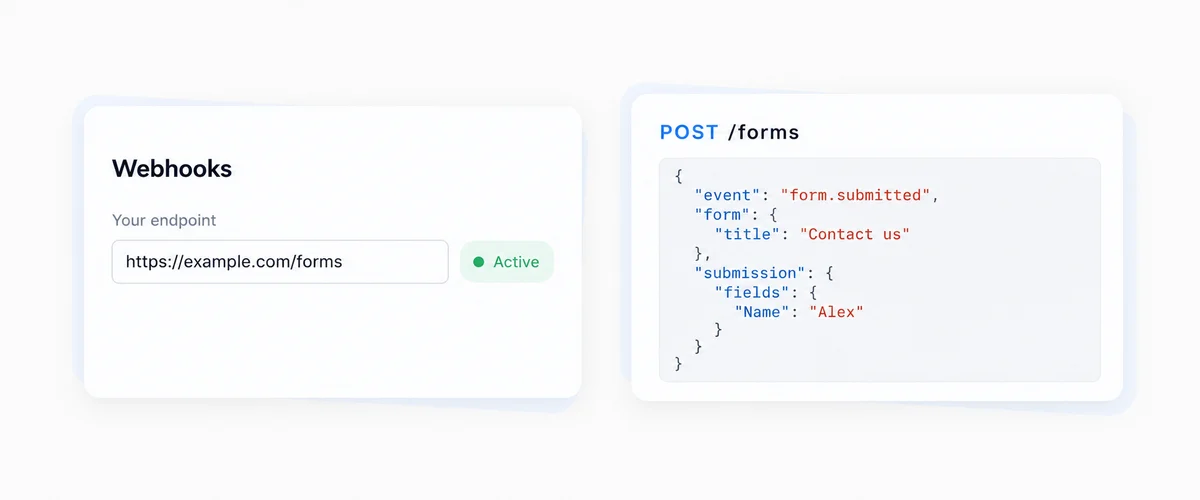
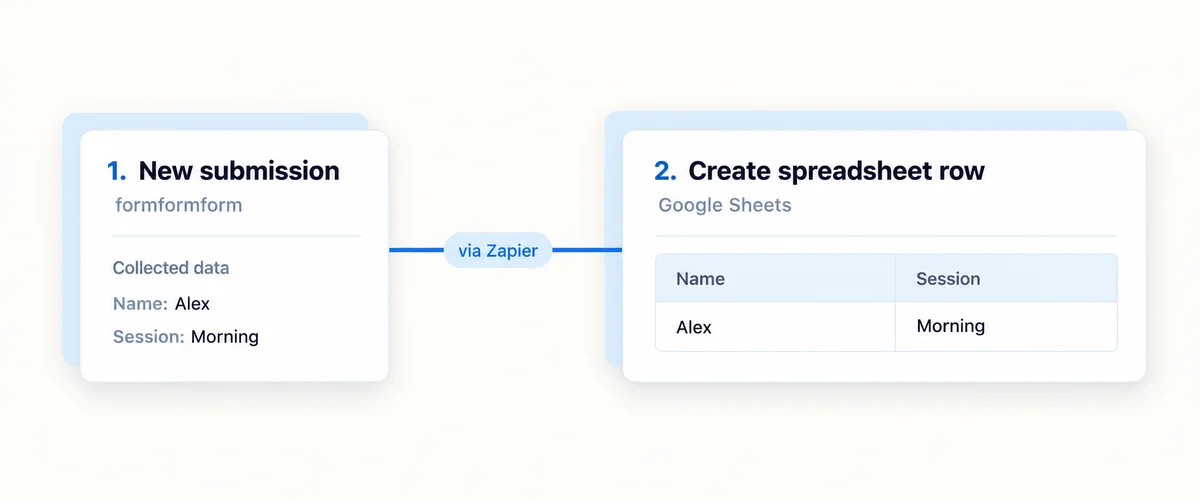
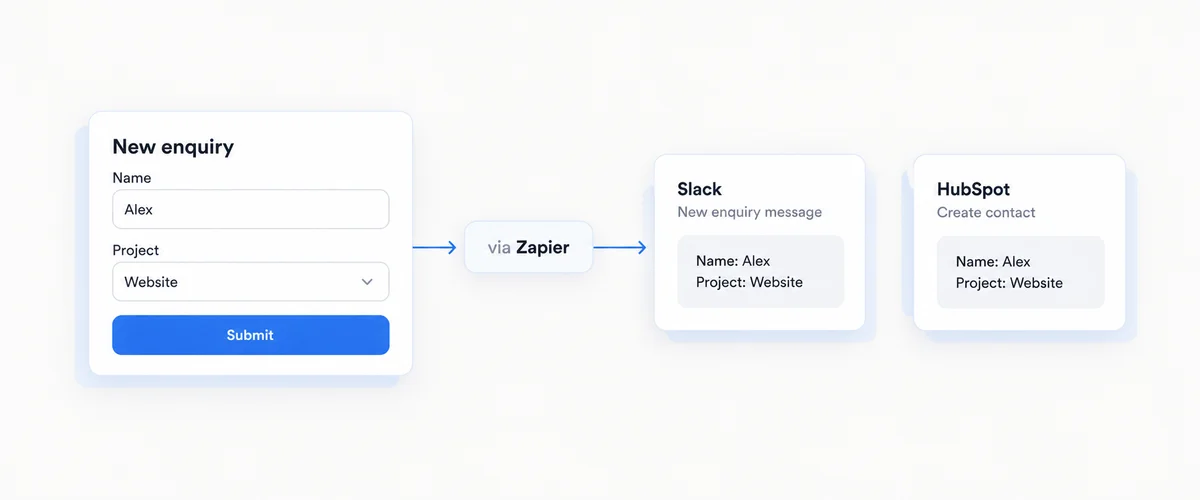
Use Zapier to connect your tools, or send submissions to your own endpoint with webhooks.

Explore integrations →
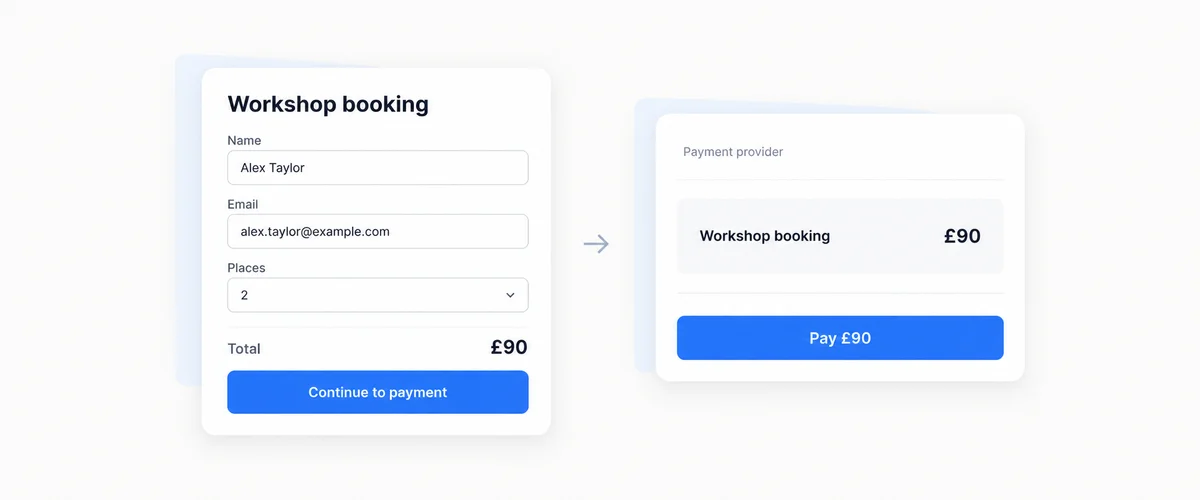
Collecting a fee or selling a place?See forms with hosted checkout →
04 / Protect

Choose stronger privacy for sensitive information.

Optional end-to-end encryption

Some answers
are only for you.

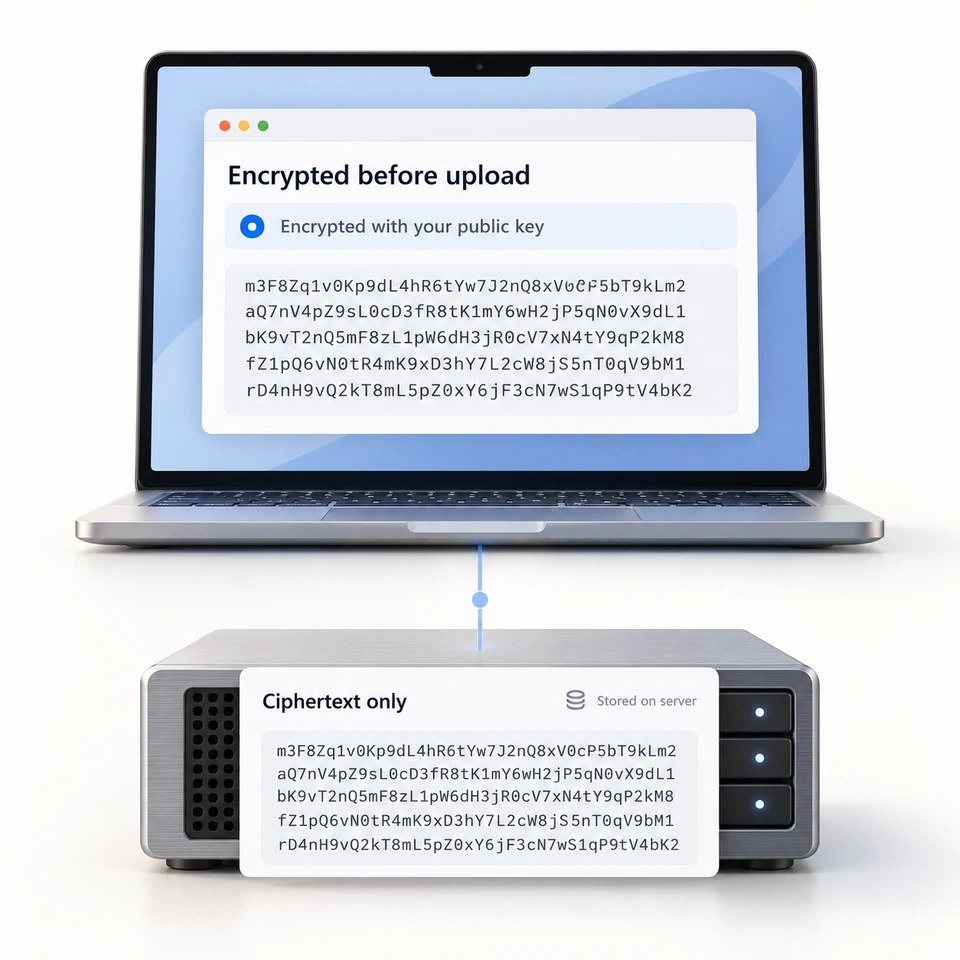
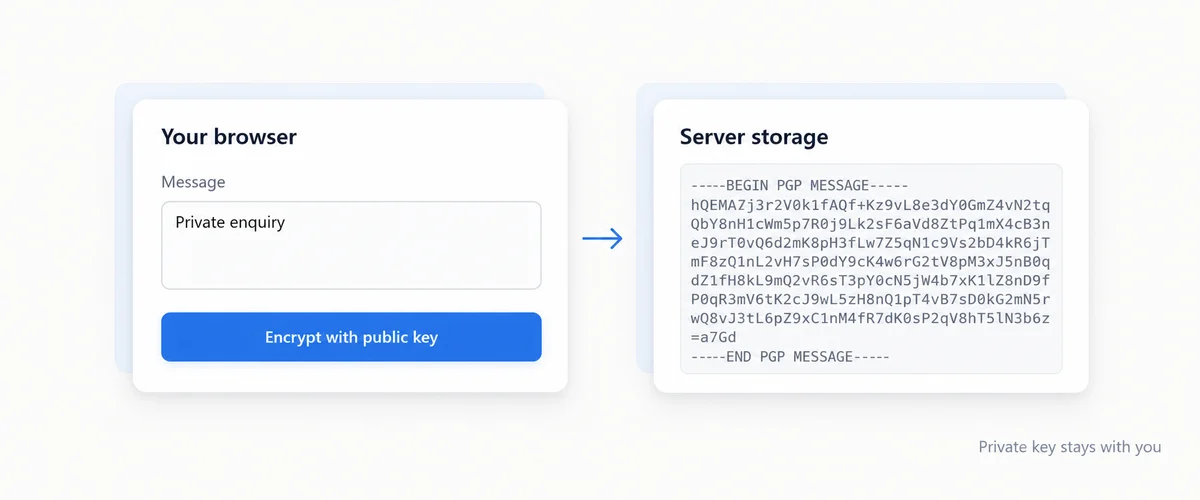
Encrypt submissions before they leave the visitor’s browser.

Our servers store ciphertext. Your private key stays with you and unlocks the readable response locally.

01   Browser encrypts02   Server stores ciphertext03   Your key decrypts
Browser encrypting a submission with the public key before upload; the server stores only ciphertext.
The complete picture

Looking for something specific?

Every capability, organised around the job it does.

Build6 capabilities

From a blank canvas to a publish-ready form — no layout fiddling.

  • A short brief becomes editable questions.

    AI form creation

    Describe the form you need, then review and edit the generated questions.

  • A field palette beside a complete editable form.

    Visual editor

    Choose fields, edit questions in place, and arrange the form around the answers you need.

  • A condition shows the question that fits an answer.

    Logic, validation & multi-page

    Branch on answers, validate inputs, and split long forms across pages — all built in, no scripting.

  • Different starting forms for different jobs.

    Templates

    Clone a ready-made form and go — contact, sign-ups, surveys, intake — then browse by category and tweak.

  • The attachment stays beside its response.

    File uploads

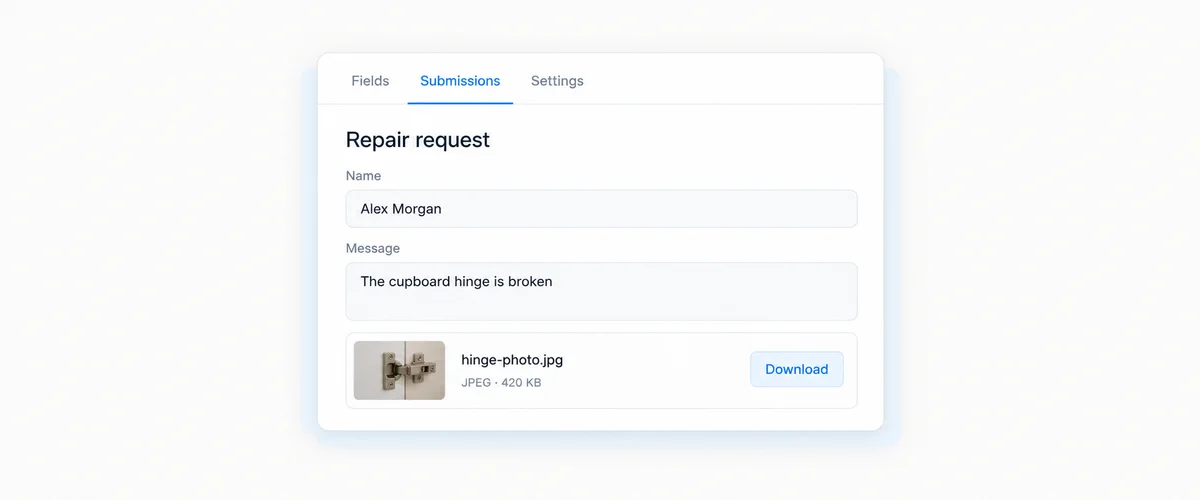
    Respondents attach files to a submission; download or preview them from the response. On an encrypted form the files are encrypted too.

  • Order details hand off to a separate hosted checkout.

    Payment forms

    Collect through secure hosted checkout.

Share & embed4 capabilities

One form, wherever you need it — however your workflow works.

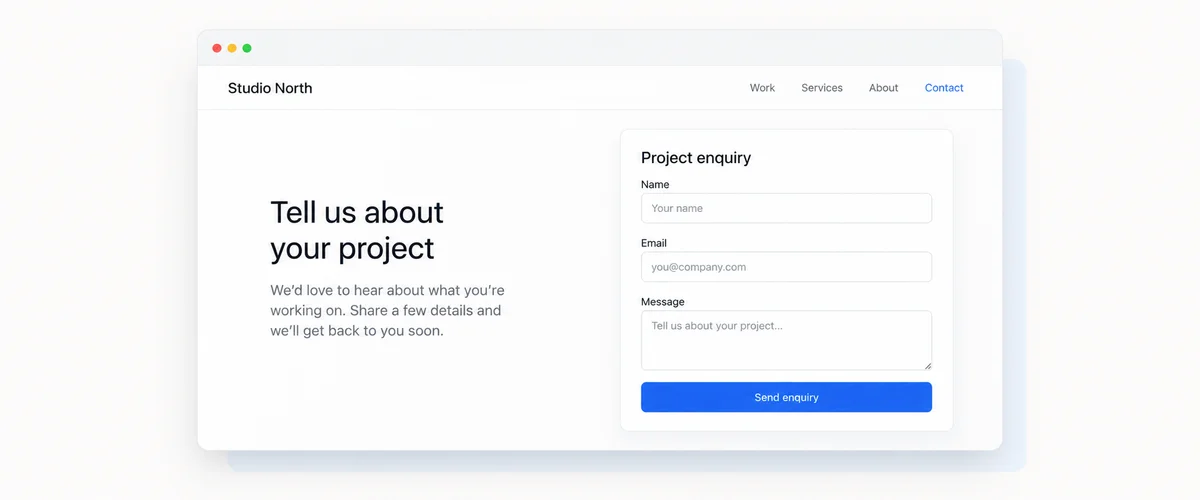
  • A contact form appears inside a website.

    Embed in any site

    Drops into React, Vue, Webflow, WordPress, Squarespace or plain HTML — loads async and visitors never leave the page.

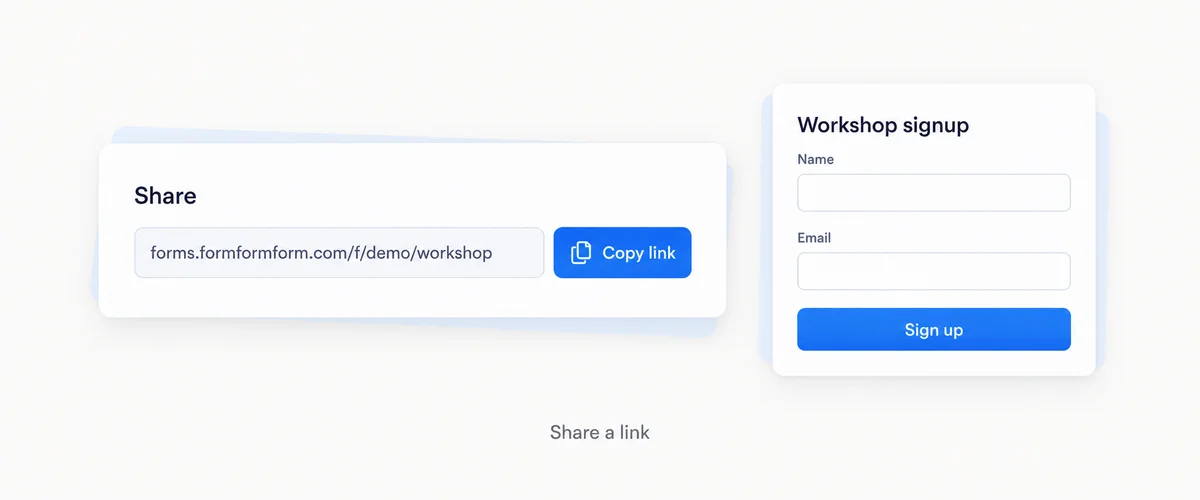
  • A form’s public address is ready to share.

    Standalone link & QR code

    Every form gets a unique link to share in emails, social posts, Slack, or on a flyer — plus a scannable QR code that opens it on any phone.

  • The form opens over the current page.

    Popup & modal

    Open an embedded form in a dialog on your website. Your website code controls when it appears.

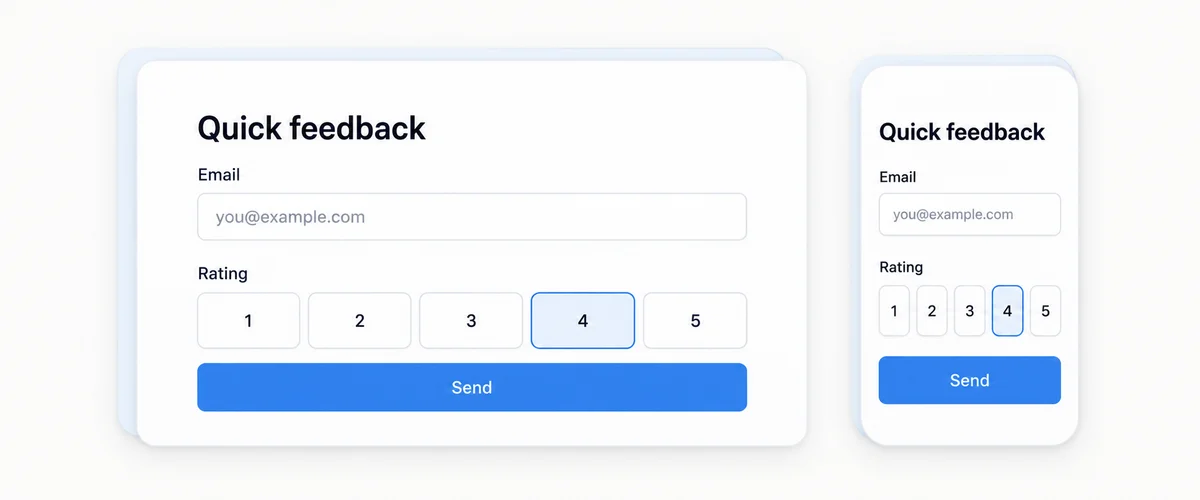
  • One form fits a narrow screen and a wider one.

    Mobile-native

    Every form is fully responsive out of the box — phones, tablets, kiosks, no configuration.

Collect & automate5 capabilities

Send responses where they need to go — automatically, no copy-pasting.

  • Search a response table and open the full answer.

    Responses, not just data

    Search your submissions and read every answer in full.

  • Collected answers become a downloadable CSV.

    CSV export

    Pull every response down as a clean CSV whenever you need it.

  • An endpoint receives a form submission event.

    Webhooks & API

    Full REST API and real-time webhooks on every plan — create forms and catch responses from any backend.

  • A configured trigger runs an external action.

    Zapier

    A published Zapier app — the moment someone submits, trigger an action across 5,000+ connected tools, no code.

  • An enquiry reaches the team’s existing tools.

    Integrations

    Wire submissions into Slack, Notion, Google Sheets, HubSpot, Salesforce and thousands more.

Security & compliance4 capabilities

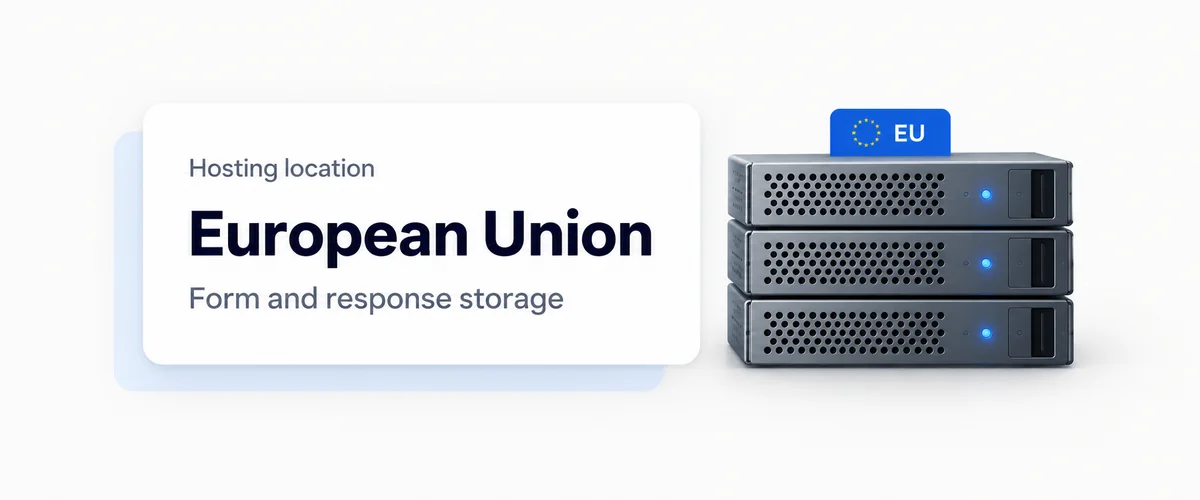
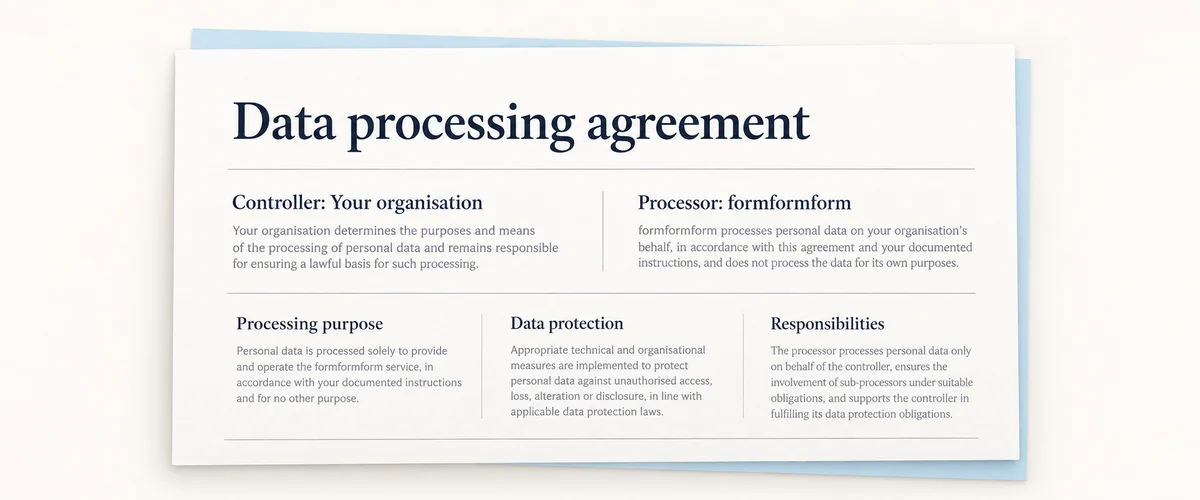
Built to clear security review, with the controls and data residency teams require.

Your next form starts here

What do you need to ask?

Free for individuals and non-profits. No credit card required.

Want a second opinion?

Explore how formformform fits the forms you need to build.

Opens with product context and a link to this page.

View or copy the prompt