Customer feedback
Help us make it better.
Start with an idea. Let AI draft your form. Make it yours.
Interactive example · Choose a need to try a sample brief and form.
Help us make it better.
Your form · Example preview
A hands-on session for curious designers.
Tell us what you have in mind.
AI gives you a starting point. You can edit everything. See how AI form creation works →






Three steps. No account required to start.
Start from a blank canvas or pick a template. Add fields, logic, and style.
Get a link instantly or embed with two lines of code. Live in seconds.
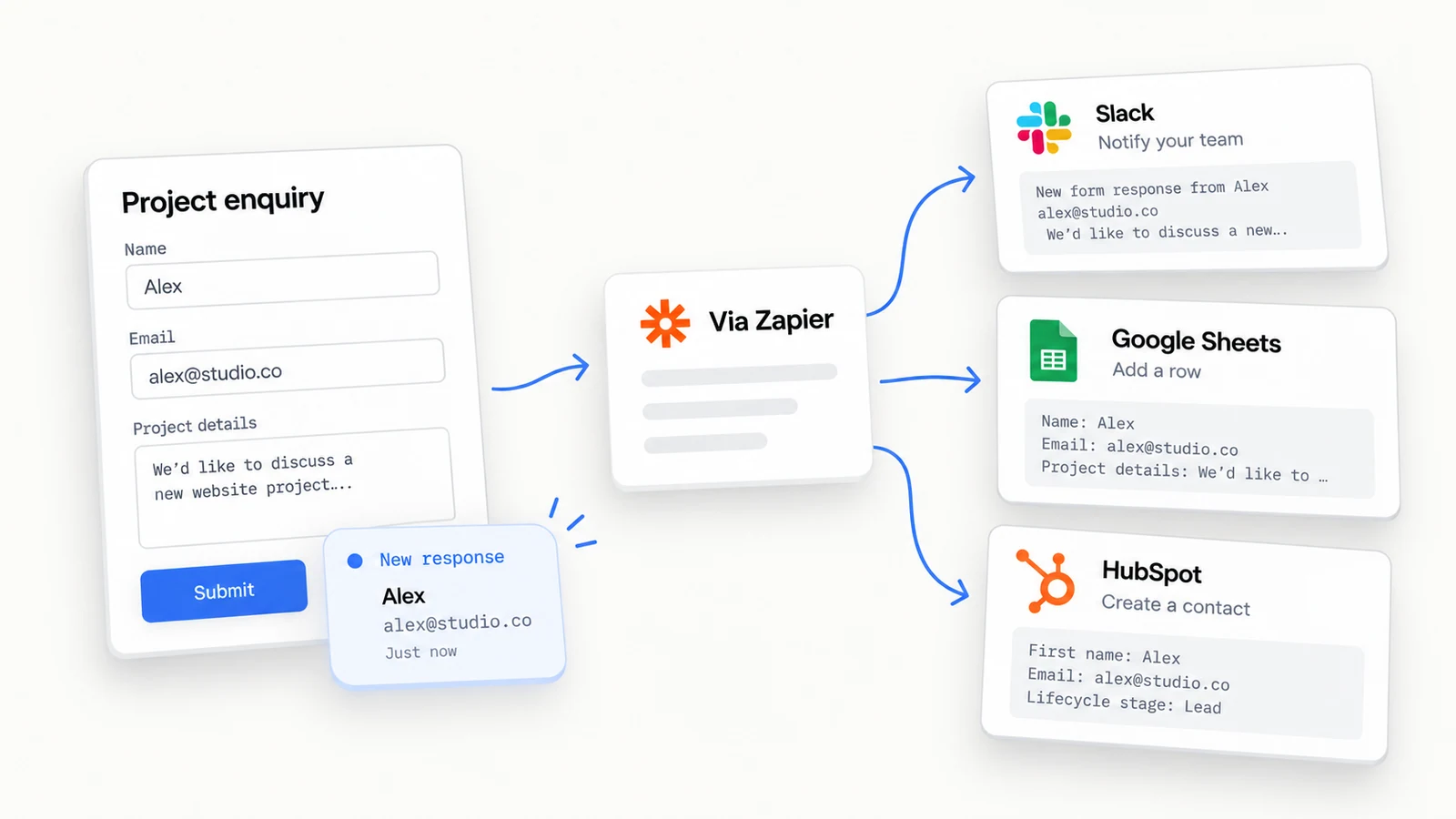
Responses flow in real-time. Search, export, or send them to your tools.
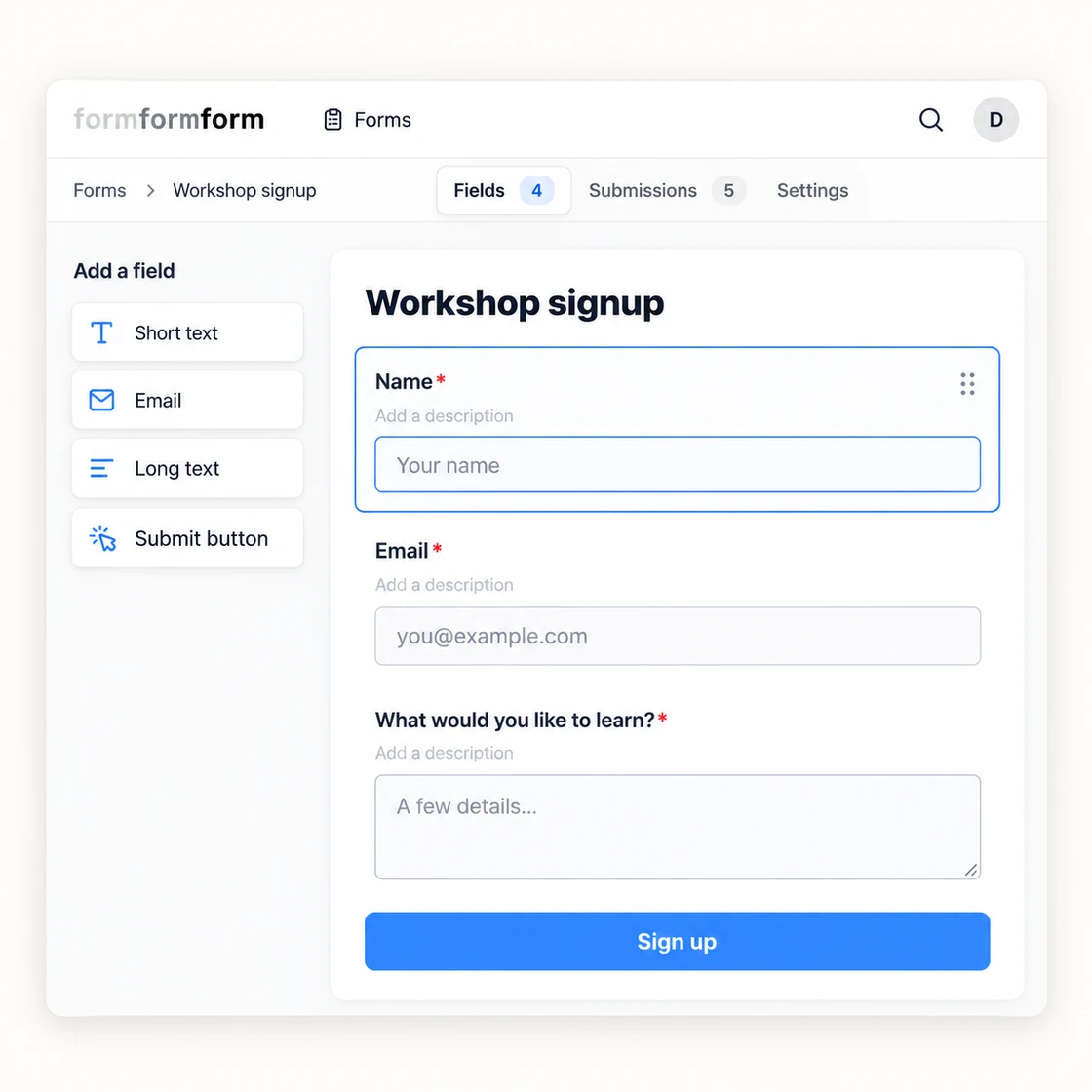
Build beautiful forms your way, with intuitive blocks and smart defaults.
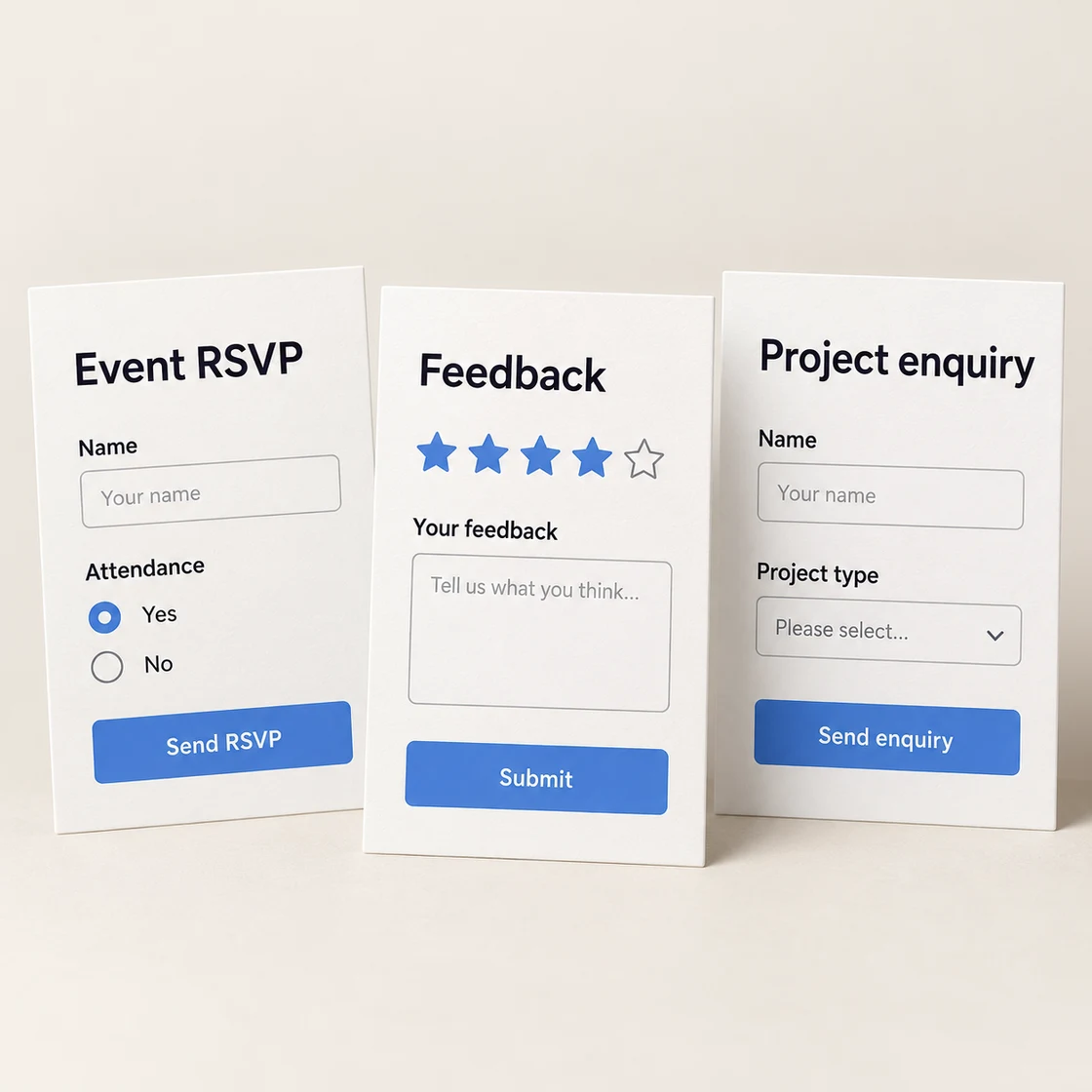
Choose from a growing library of beautifully designed forms, or make your own.
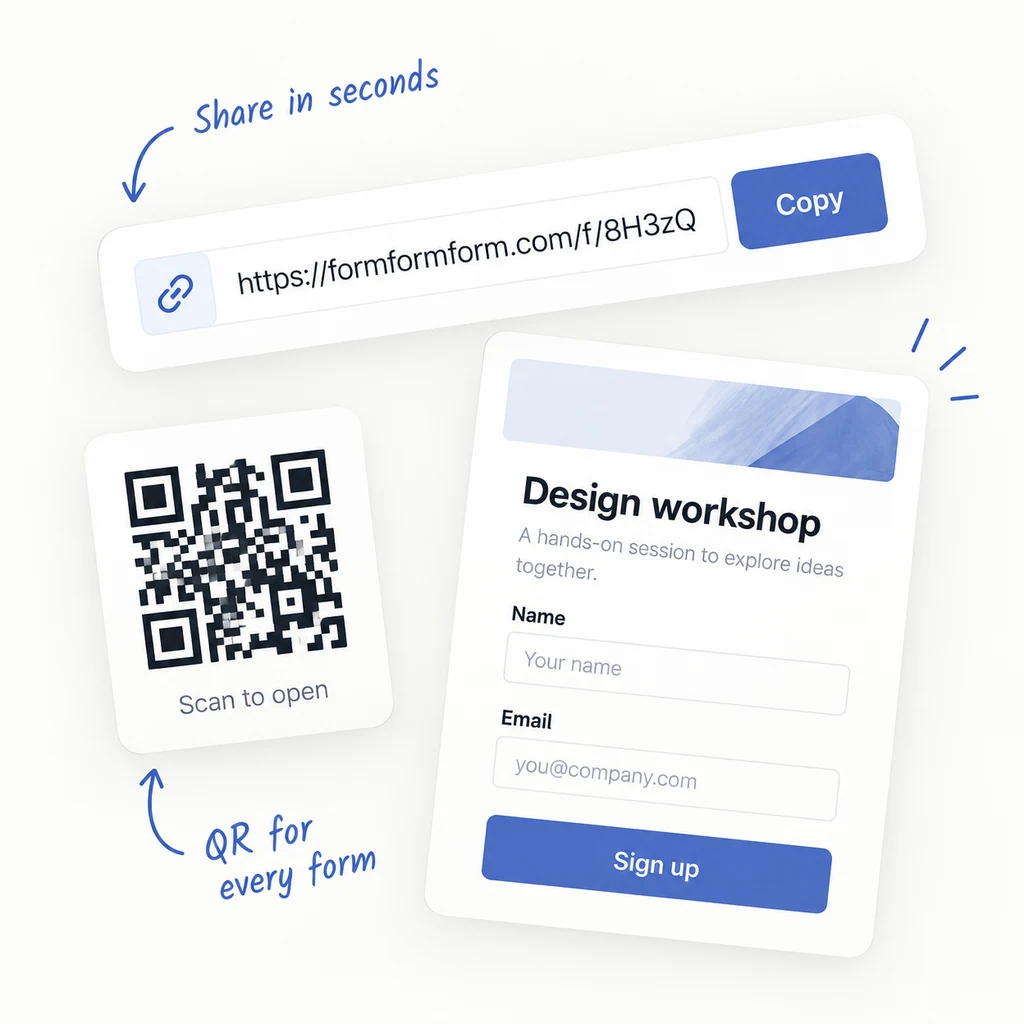
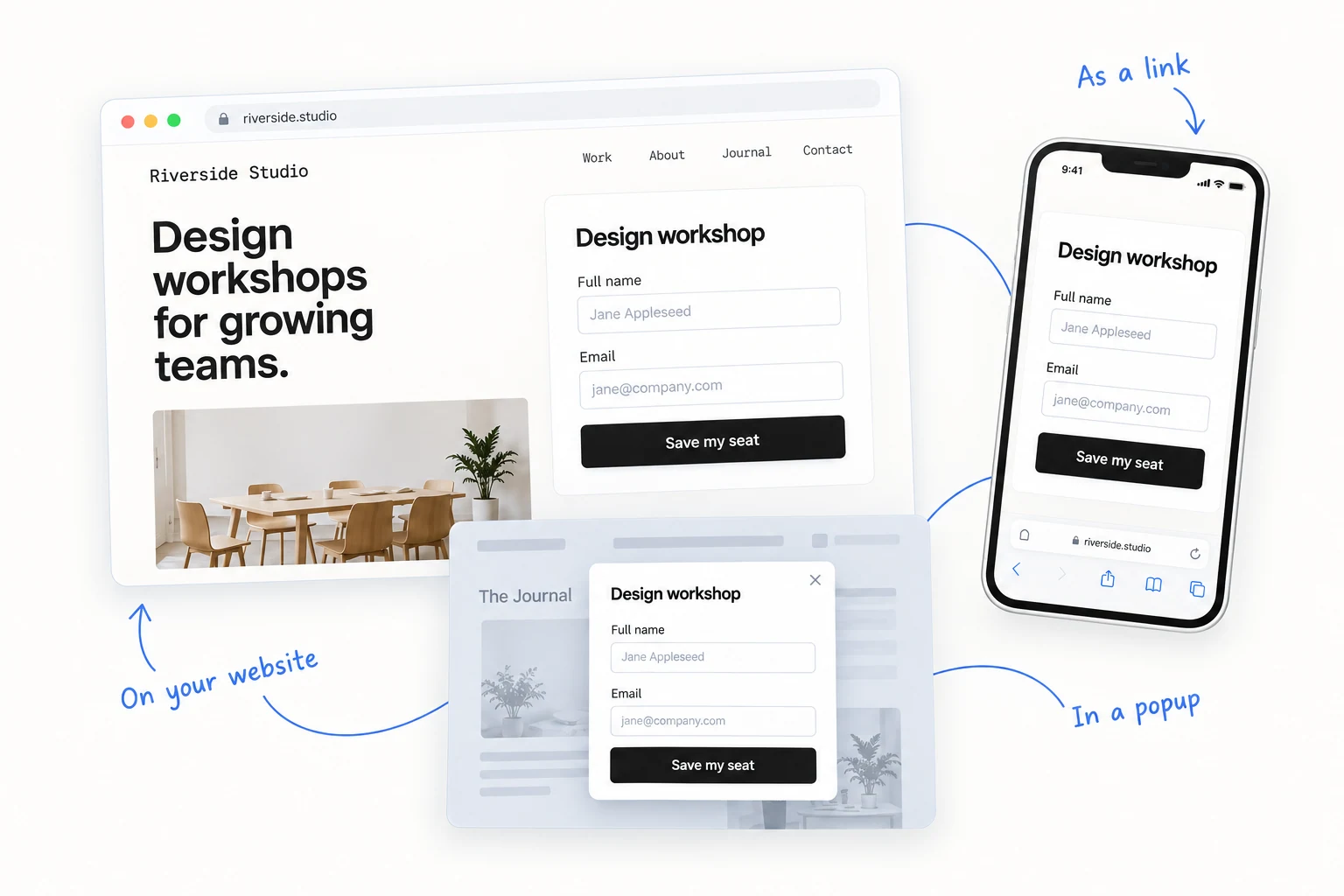
Get a link, QR code or embed it on your site. Your form, wherever your audience is.
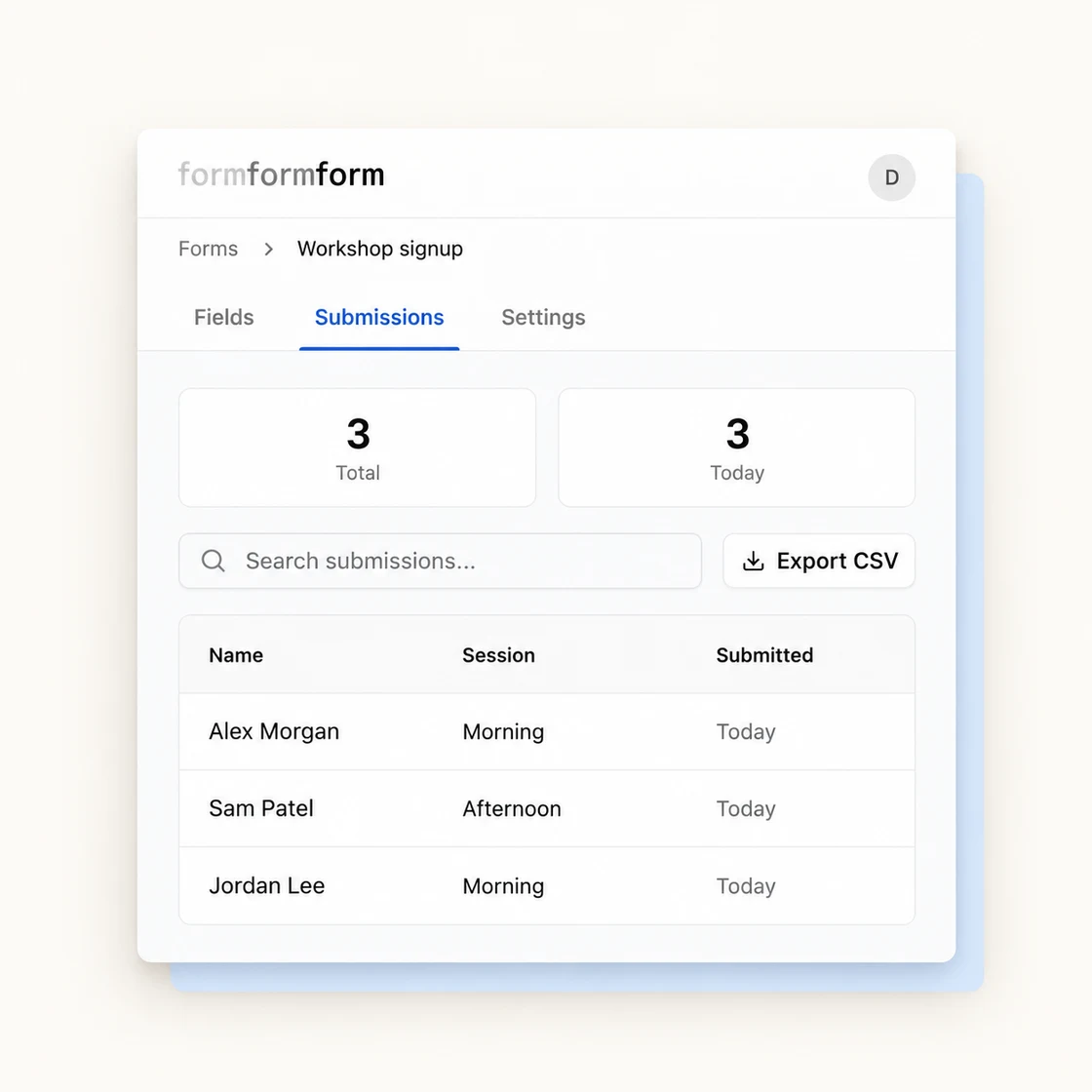
See every submission at a glance, with full answers and the context that matters.
500+ free, handpicked form templates. Open the closest fit, make it yours, and publish in minutes.
One form. Wherever people find you.
Create and manage forms from your app with the API.
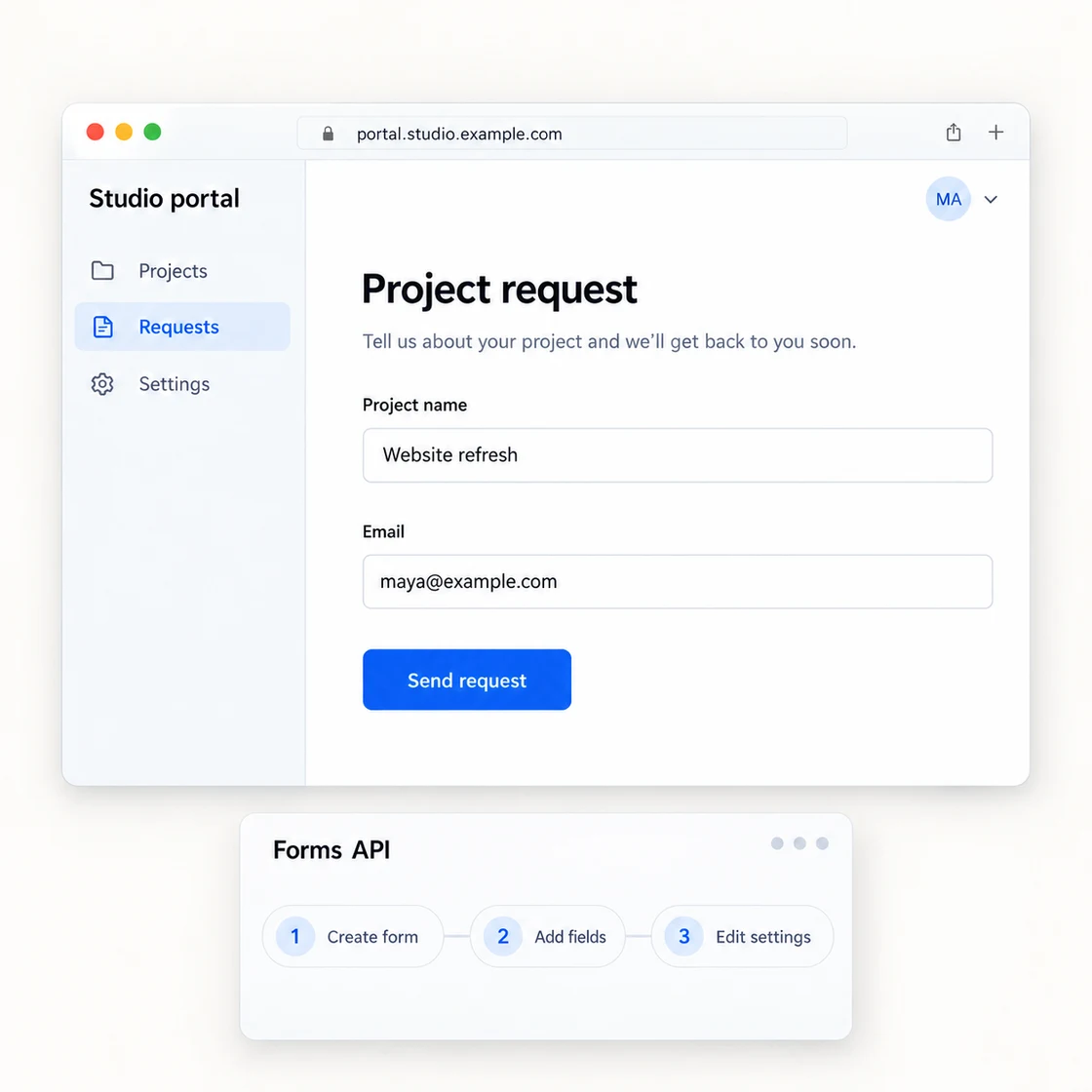 Build with the API
 Fill in a form, review your answers and submit from the CLI.
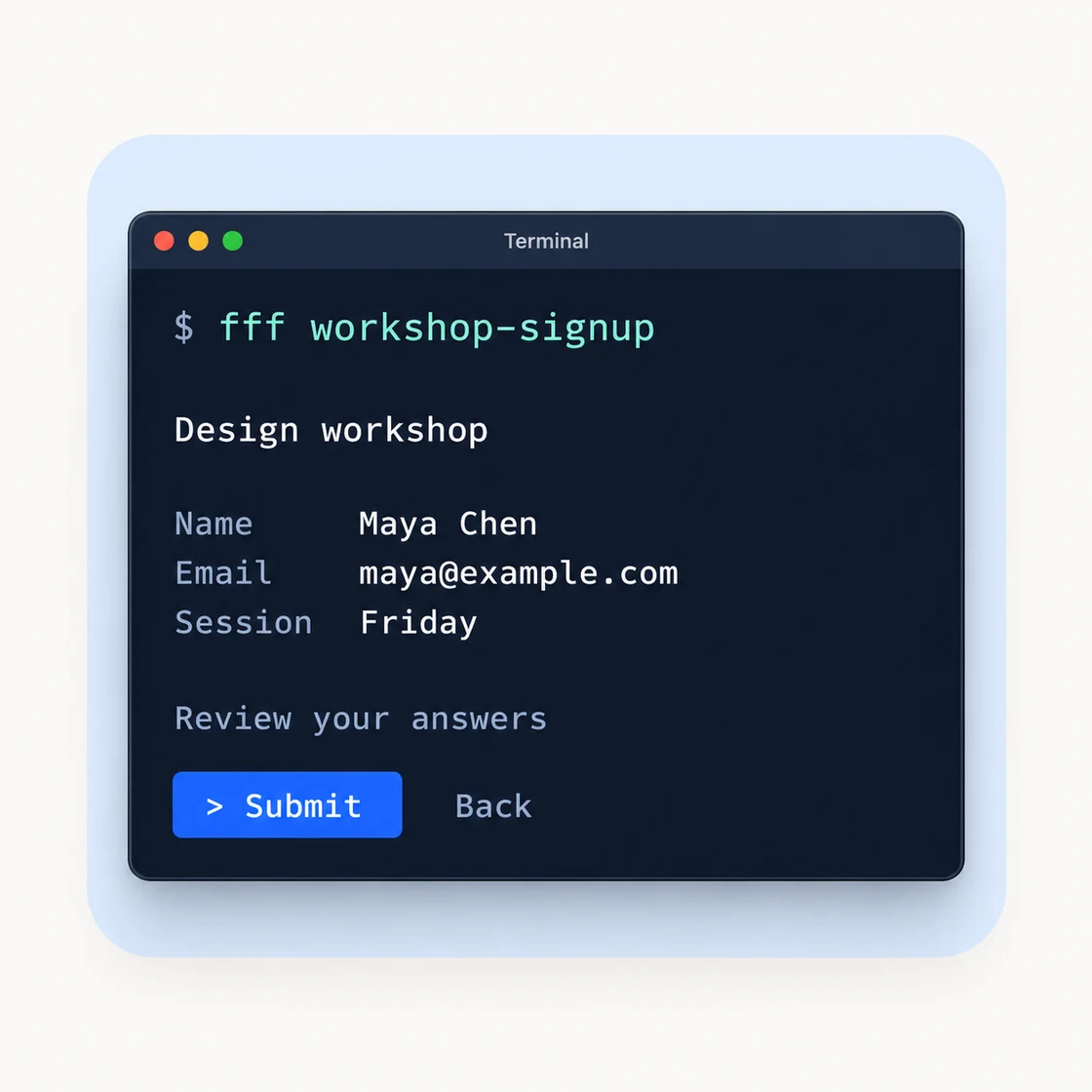 Read the developer docs
 Looks great and works everywhere out of the box.
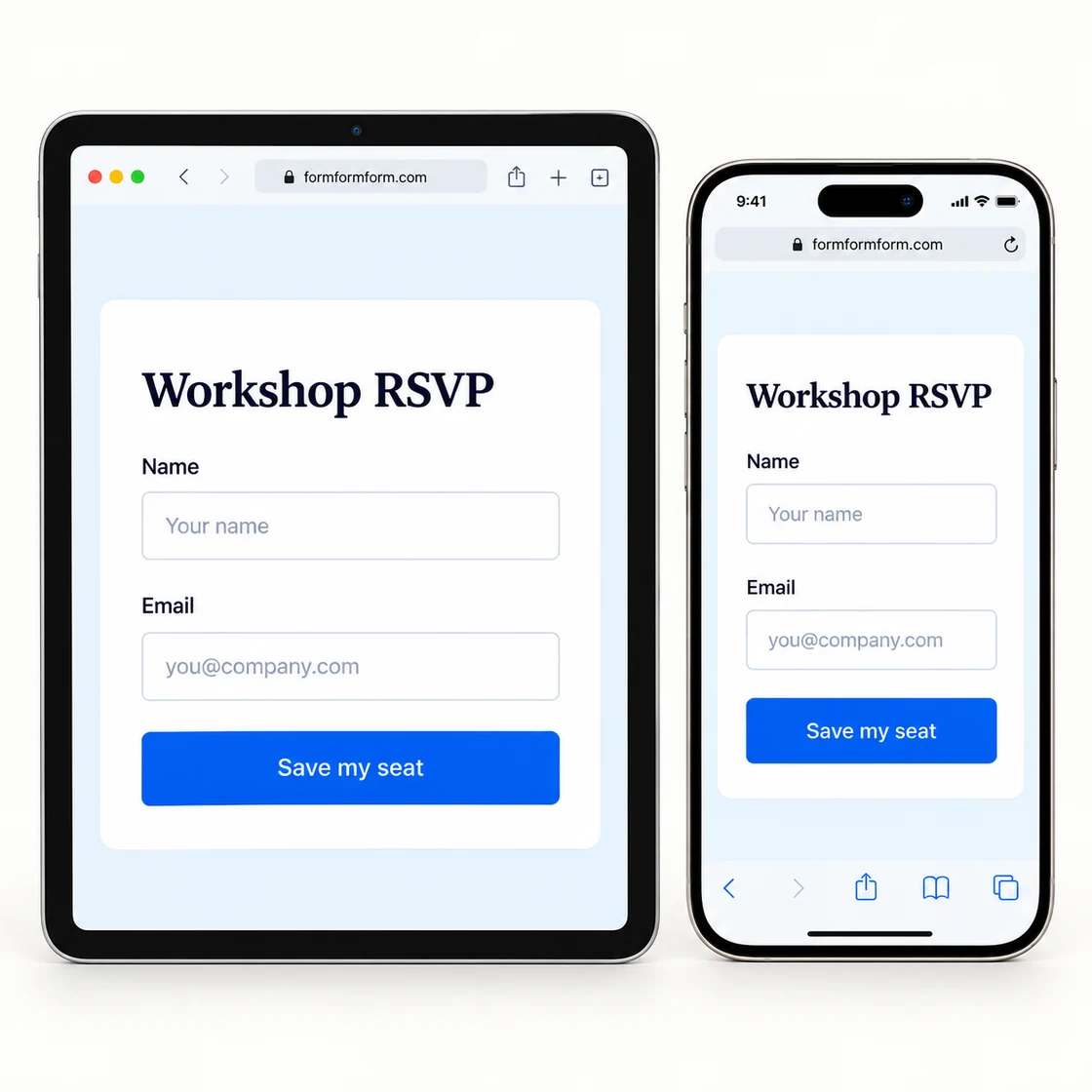 See ways to share
 A new response. Your next step, already done.
Secure, frictionless access for your team.
Keep your data in the EU.
Manage access, permissions and activity.

Turn on end-to-end encryption for sensitive forms. Your visitors fill them in as usual. Only your private key can make their responses readable.
01 / Before upload
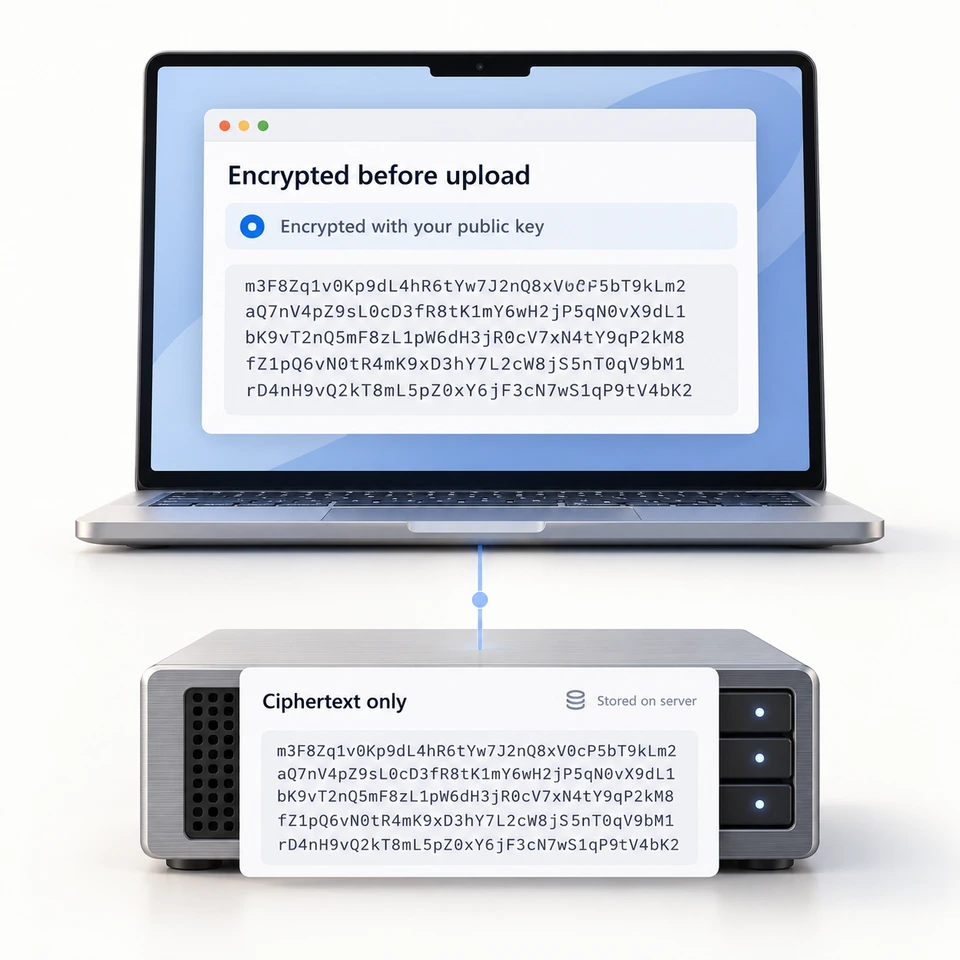
Your visitor’s browser encrypts each answer to your public key. Our servers receive and store only unreadable ciphertext.
02 / On your device
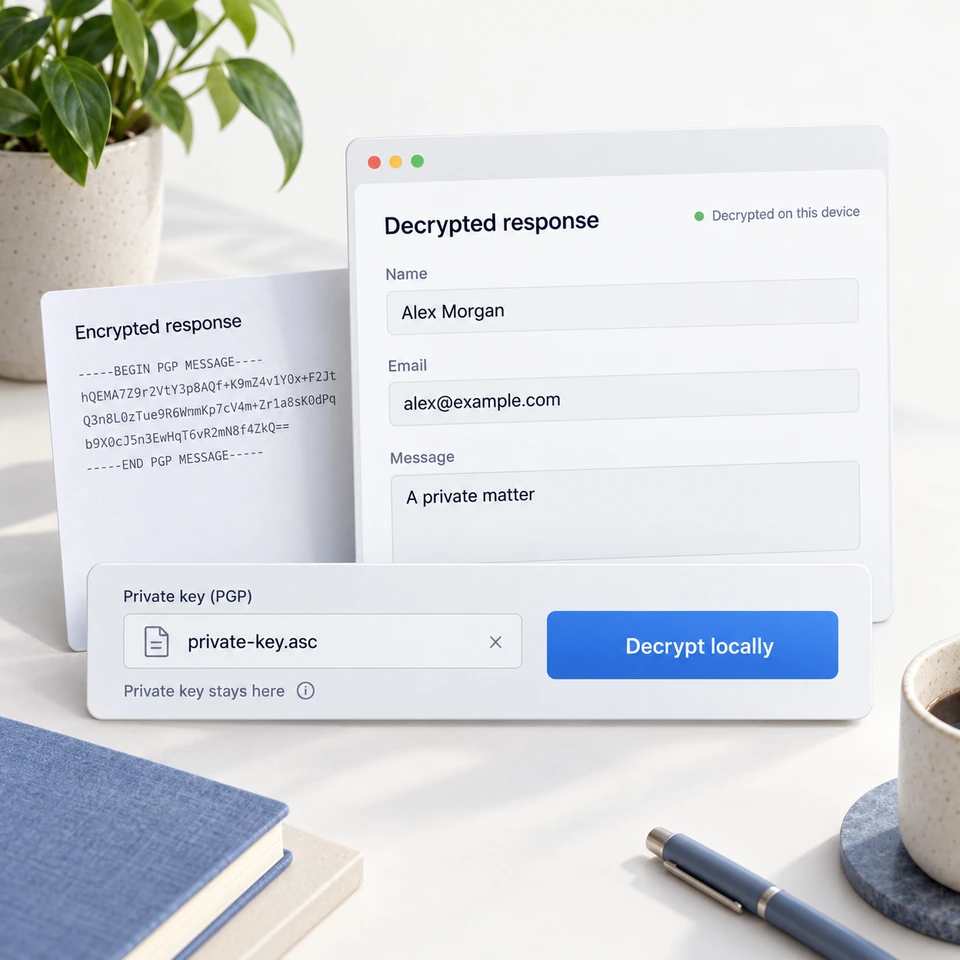
Use your private key to decrypt responses locally in your browser. The key stays on your device. Even we can’t read the answers.
Compare free-plan features. Free for non-commercial projects, with unlimited forms and responses.
Scroll the table to compare both plans →
| Feature | formformform Free · non-commercial | Tally Free plan |
|---|---|---|
| Unlimited forms | Yes | Yes |
| Unlimited responses | Yes | Yes |
| Email notifications | Yes | Yes |
| Smart logic | Yes | Yes |
| File uploads | 2 MB/file | Limited |
| Custom branding | Paid only | Paid only |
| Remove watermark | Paid only | Paid only |
| Analytics & insights | Yes | Limited |
| Embed anywhere | Yes | Yes |
| Custom domain | Paid only | Paid only |
| API access | Yes | Yes |
| Webhooks | Yes | Yes |
| GDPR compliant | Yes | Yes |
| Free plan price | $0 | $0 |
Pro adds branding, brand removal and custom domains for $19/month or $180/year. See plan details.
Tally includes free owner email notifications, API access and webhooks. Branding removal requires a paid plan on both products. These Tally features were checked 23 October 2026.
Explore how formformform fits the forms you need to build.
Opens with product context and a link to this page.
Signing in used to land you on four grey placeholder rectangles. That page was deleted; the five newest responses across all your forms now sit above the list, one click from the answer, with a padlock where an encrypted form would have had a preview.
On an encrypted form the answers are sealed in the respondent's browser and we cannot read them. The IP address, user agent and timestamps stored beside them are a different matter, and so are the questions. Here is the boundary, in writing.
Point a form at your own endpoint, set a secret, and every delivery arrives with an HMAC-SHA256 signature over the exact bytes we sent. The payload shape, the retry configuration, the token-authenticated API behind it, and the six things it deliberately does not do.
Free for non-commercial projects, with unlimited forms and responses. Pro is $19/month or $180/year ($15/month billed yearly). Pro covers commercial use and adds custom branding, custom domains and priority support. Team workspaces are planned and are not currently available.
No. The editor works like a document — just type and add fields. If you do know code, you get full CSS control and an API.
All data is encrypted at rest and in transit. EU hosting is available. We are fully GDPR compliant.
Yes. Point your domain to formformform and your forms will be served from your own URL. Available on the Pro plan.
Two lines of HTML. The embed script is under 8kb gzipped, loads asynchronously, and won't affect your page speed.
File uploads work today — add an upload field and respondents attach files, which you download from the response. On an encrypted form the files are encrypted too. For payments, add products and priced options, then connect Stripe, PayPal, or Square for secure hosted checkout.
Free for personal use. No credit card required.
Create your first form