Share & embed

Popup & modal forms

Open a form as an overlay the moment it's welcome — on a click, a scroll, an exit, or a short delay. No page navigation, no friction, and always one tap to dismiss.

Popup & modal forms: a focused example of the product in use.
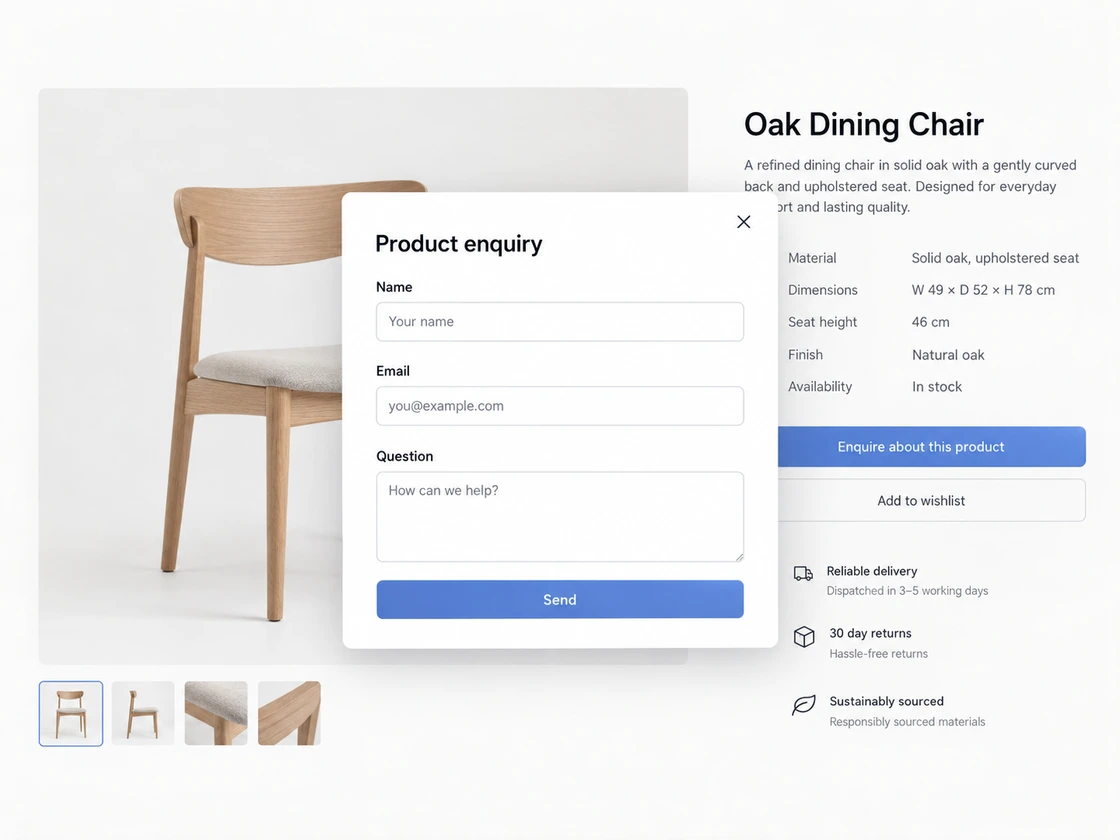
A popup form opens over the page the visitor is already reading, then closes the moment they're done.

Meet visitors at the right moment

Choose the moment that makes sense for your visitor.

A popup form waits for the moment that makes sense instead of demanding attention the second the page loads. You choose what opens it: a click on any button or link, a scroll depth once someone has read part of the page, an exit-intent cue when the cursor heads for the close button, or a simple time delay after the page settles. Pick one trigger or combine a few — the form stays hidden until the condition you set is met, so it reads as an invitation rather than an interruption.
Meet visitors at the right moment: a practical popup & modal forms example.

No new page, no friction

Collect an answer while the surrounding context stays visible.

The form opens as an overlay on top of the page the visitor is already reading. There's no navigation, no new tab, and no lost context — they answer, submit, and carry on exactly where they were. Because it's the same lightweight embed used everywhere else, there's nothing extra to load and nothing heavy to slow the page down. And it's always dismissible: a click outside, the close button, or the Esc key sends it away. No one is ever trapped behind a form they didn't ask for.
No new page, no friction: a practical popup & modal forms example.

Your form, framed

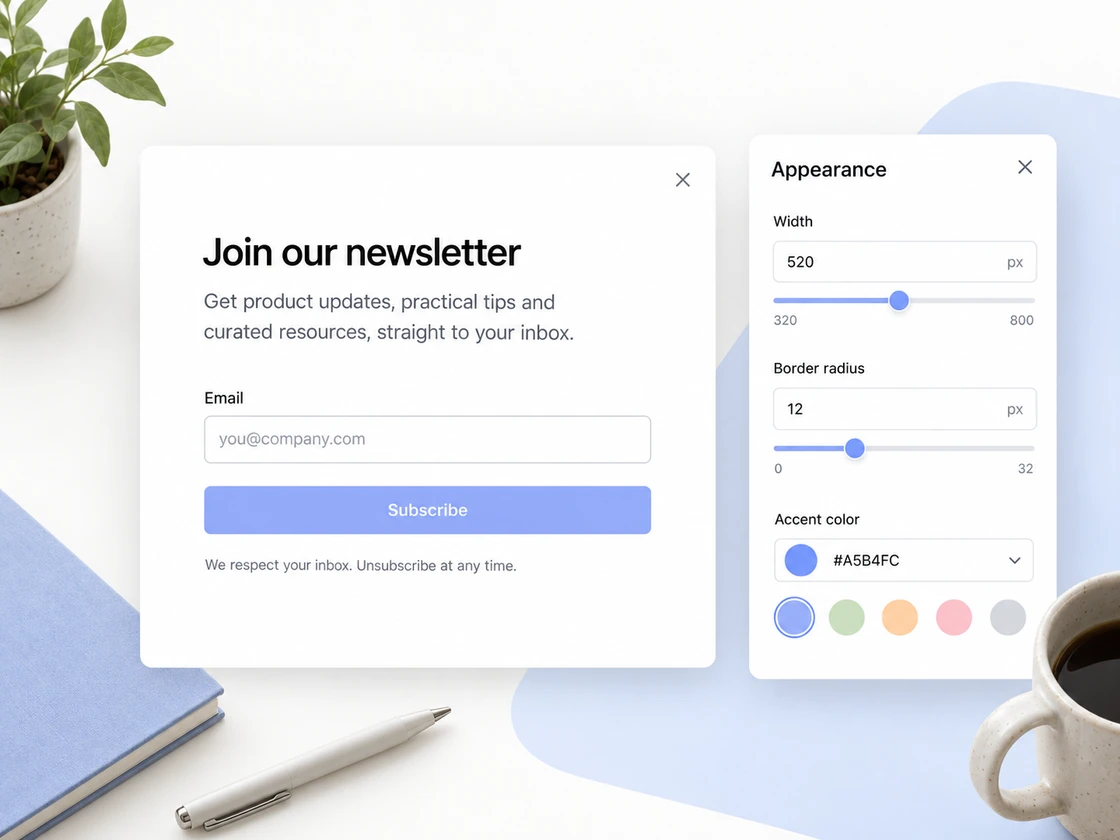
Give your form a frame that fits your site.

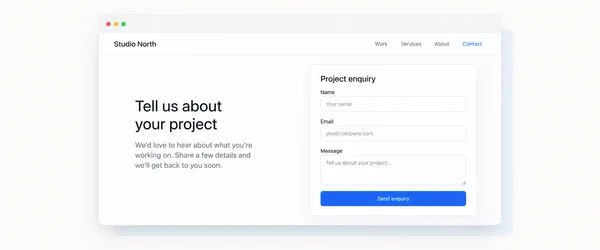
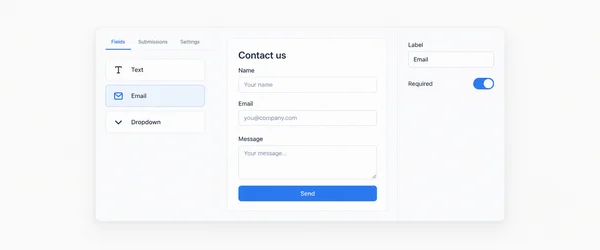
Inside the overlay sits the form you already built — the same fields, the same logic, the same validation. Nothing changes about how it works; the popup is only the frame around it. That means you can take any existing form and present it as a modal without rebuilding it, and the responses land in the same place as every other submission. Embed it inline on one page and pop it up on another from the same form.
Your form, framed: a practical popup & modal forms example.
Also included
Click, scroll, exit, or time

Open on a button click, after a set scroll depth, on exit intent, or a few seconds after the page loads.

One line to set up

Drop in the same lightweight embed snippet and choose a trigger — no separate page or extra code to maintain.

Remembers a dismissal

Frequency caps keep the popup from reappearing once someone has closed it, so returning visitors aren’t nagged.

Mobile-friendly

The overlay adapts to small screens and stays easy to read, fill, and dismiss with a thumb.

Want a second opinion?

Explore how formformform fits the forms you need to build.

Opens with product context and a link to this page.

View or copy the prompt

Turn any form into a popup

Build it once, then open it as an overlay wherever the moment is right. Free to start.

Start for free